EDF Field Service Management App
Role: Senior UX Design Strategist
Scope: Field research, interaction design, usability testing
Users: Wind and solar technicians
Platforms: Responsive web, Android, and iOS
Outcome: Research-informed workflows, accessibility improvements, and implementation recommendations
To support the successful launch of the Field Service Management App in November 2024, this project focused on enhancing the user experience for field and wind technicians. Through extensive user research, including persona development and on-site visits in Canada, we identified key opportunities to improve mobile app usability.
Insights from these efforts informed the creation of Figma mockups, refining the app’s design to better align with real-world technician workflows. By championing user-centric design approaches and advocating for innovative yet feasible solutions, the project balanced technical constraints with market needs, ultimately optimizing efficiency and usability for technicians in the field.
Challenge
Enhance User-Centered Design – Conduct user research and develop personas to ensure the Field Service Management App aligns with the needs of field and wind technicians.
1.Optimize Mobile App Usability – Conduct site visits to gather insights and create Figma mockups that improve the mobile app experience for technicians in the field.
2.Drive Innovation and Feasibility – Advocate for design risks and innovative solutions that balance user needs with technical feasibility and market viability.
3.Improve Field Efficiency – Leverage research findings to refine app functionality, streamlining workflows and increasing productivity for field and wind technicians.
4.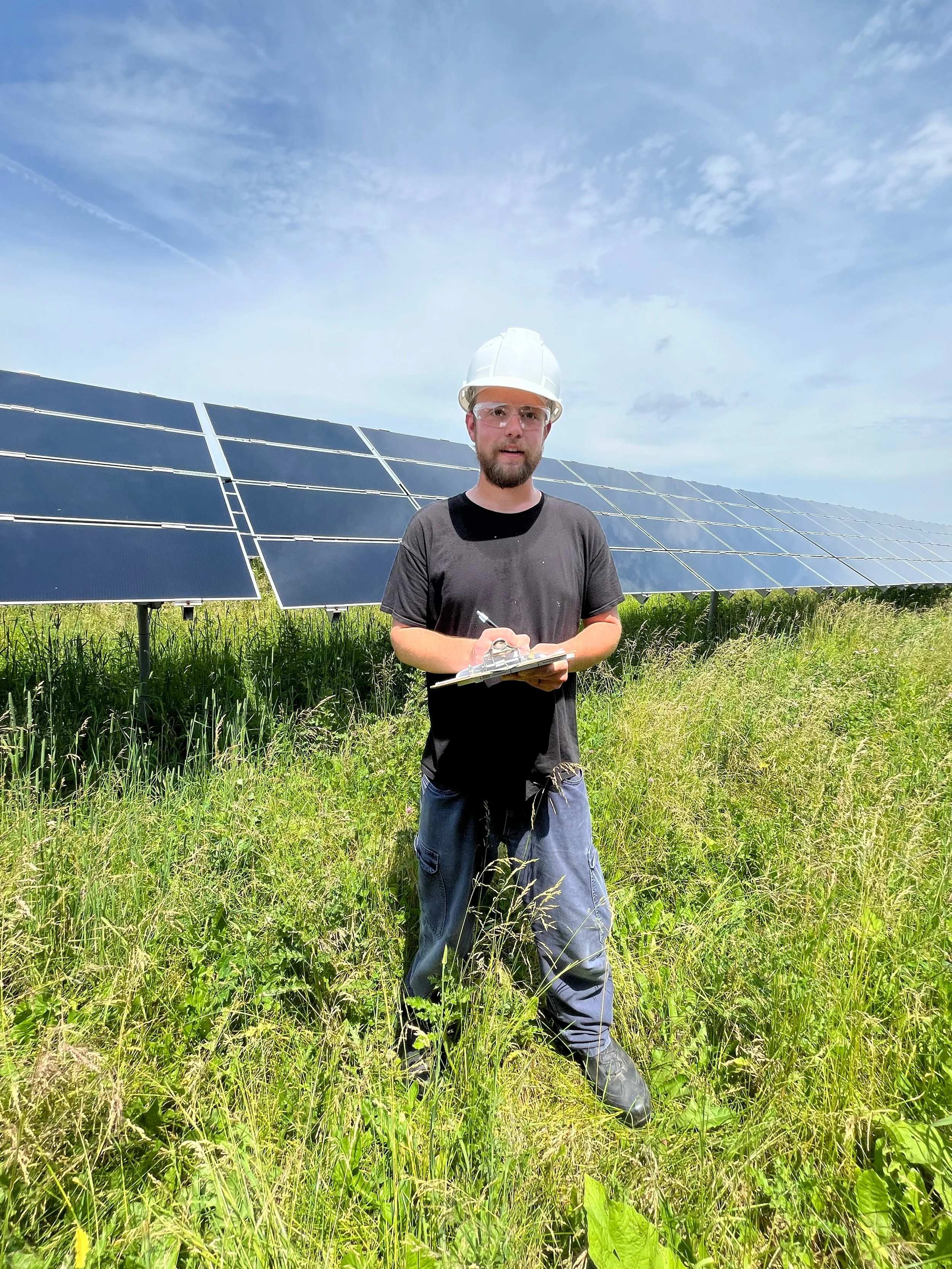
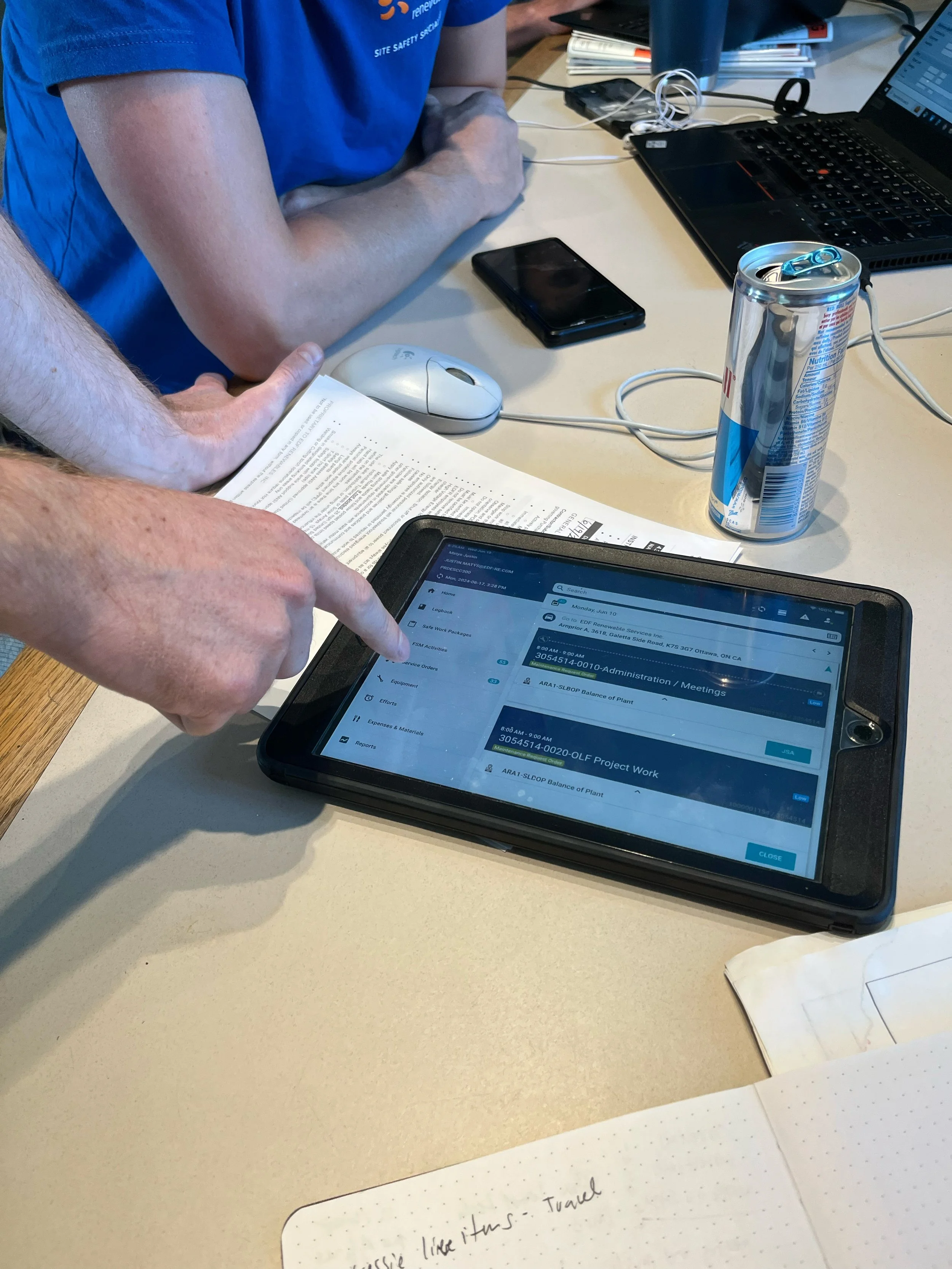
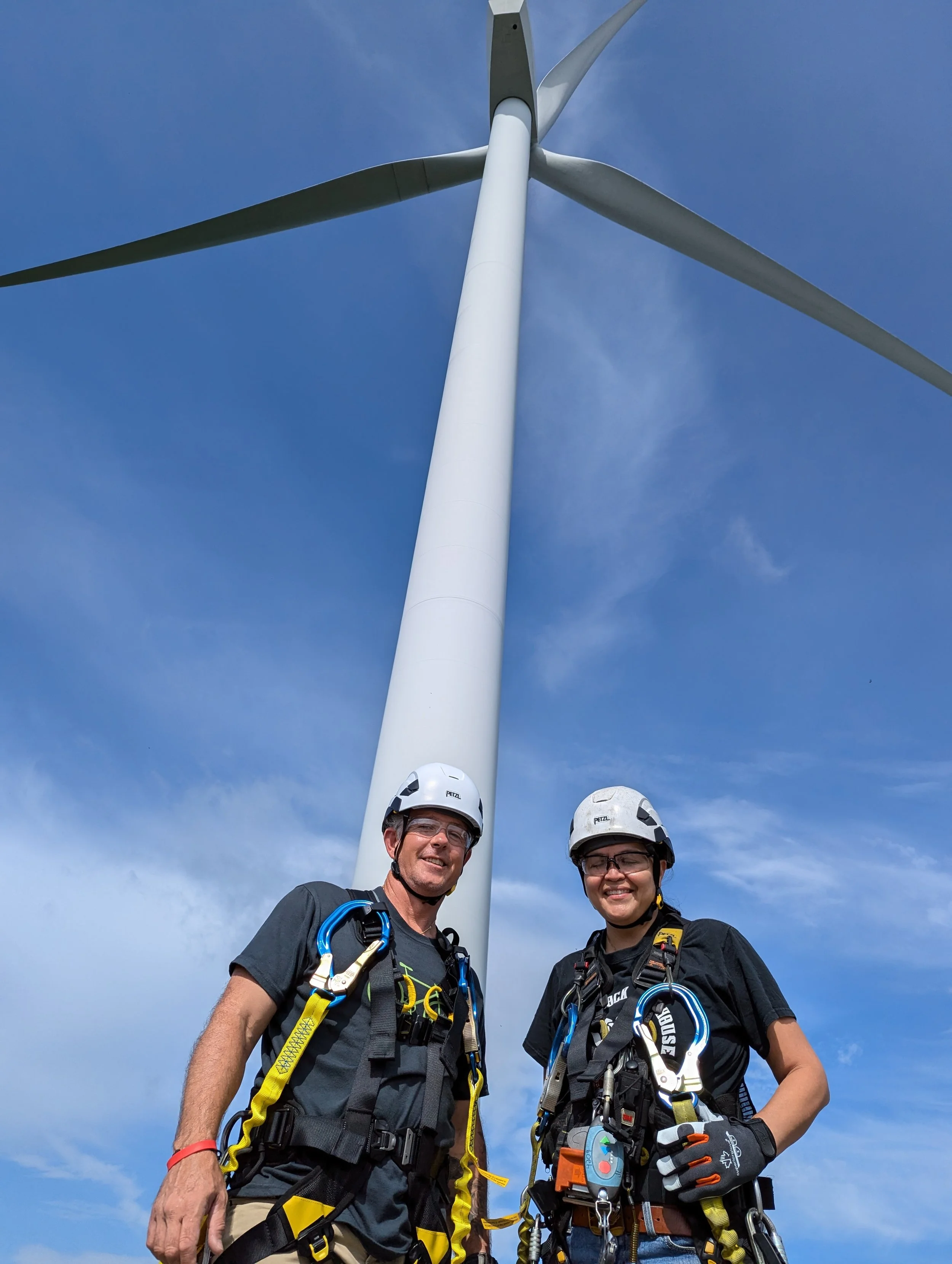
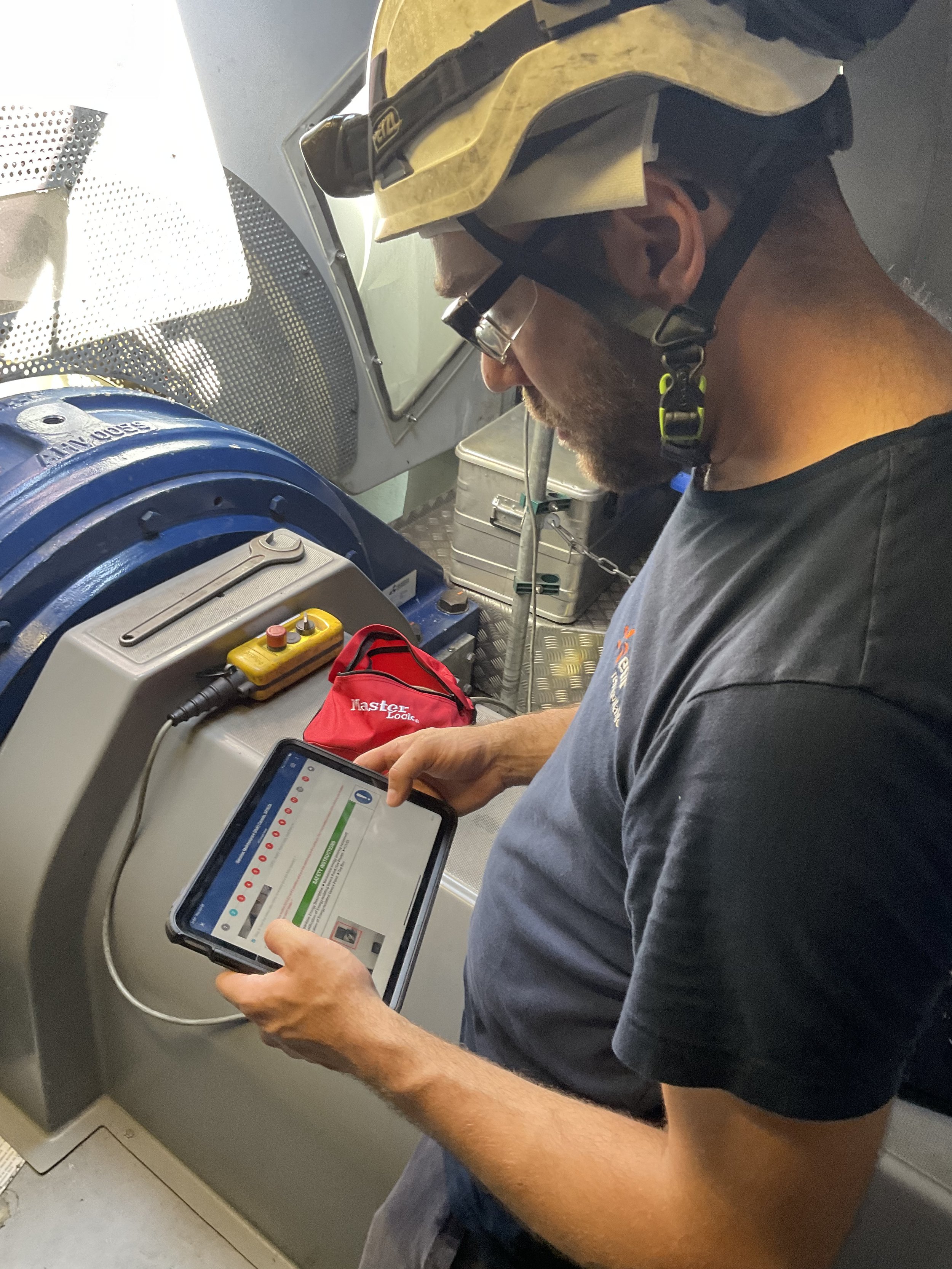
As a UX Designer, I conducted a field research visit to a wind and solar site in Canada to evaluate how technicians were interacting with the beta version of the Field Service Management App. By observing their workflows and gathering direct feedback, we uncovered key usability insights that informed our design approach.
Field research
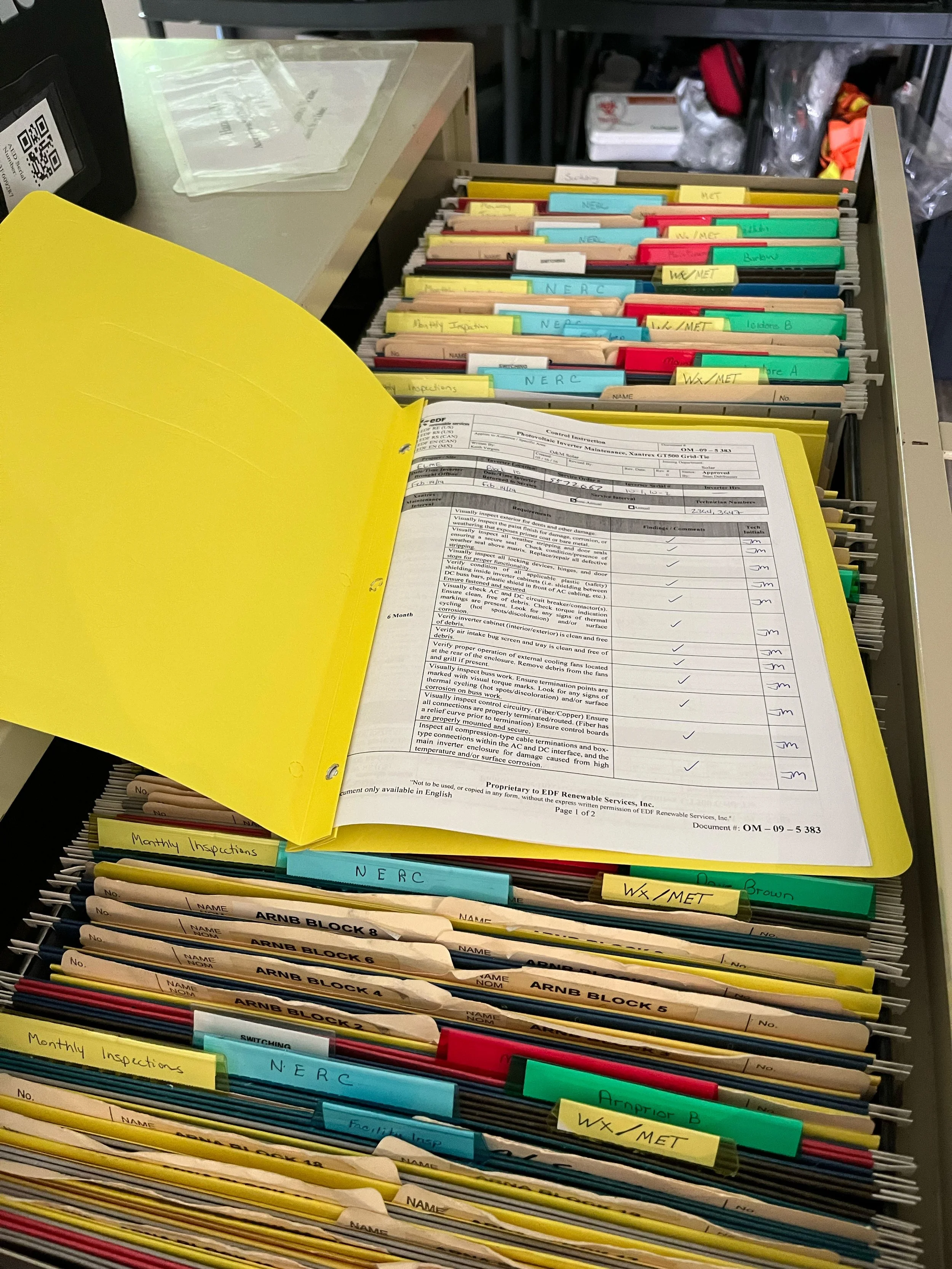
In contrast, solar technicians, who worked in open environments, needed to input more tabular data and preferred a broader digital workspace for efficiency. These insights helped refine the app’s interface to better align with the distinct needs of each user group.
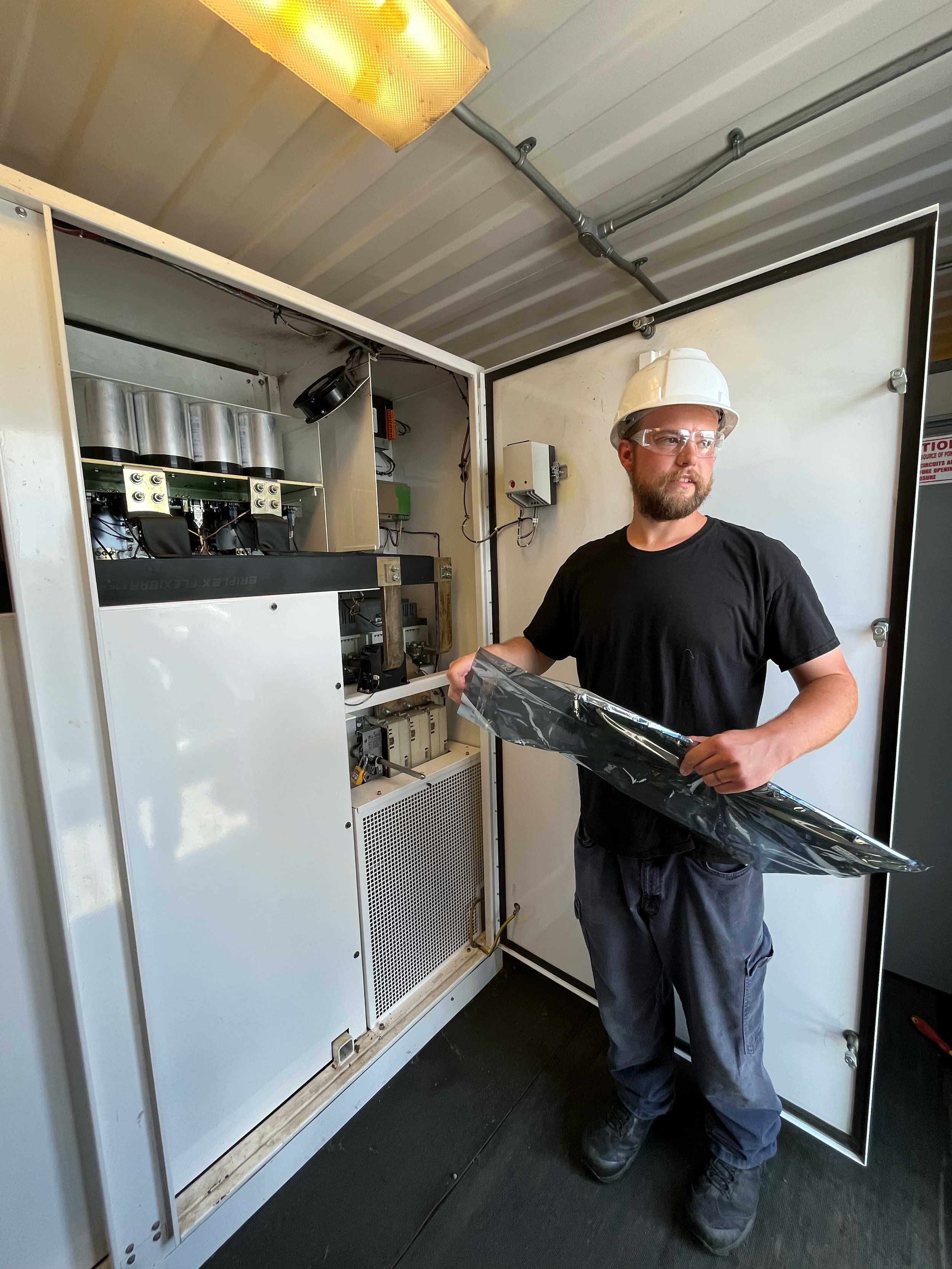
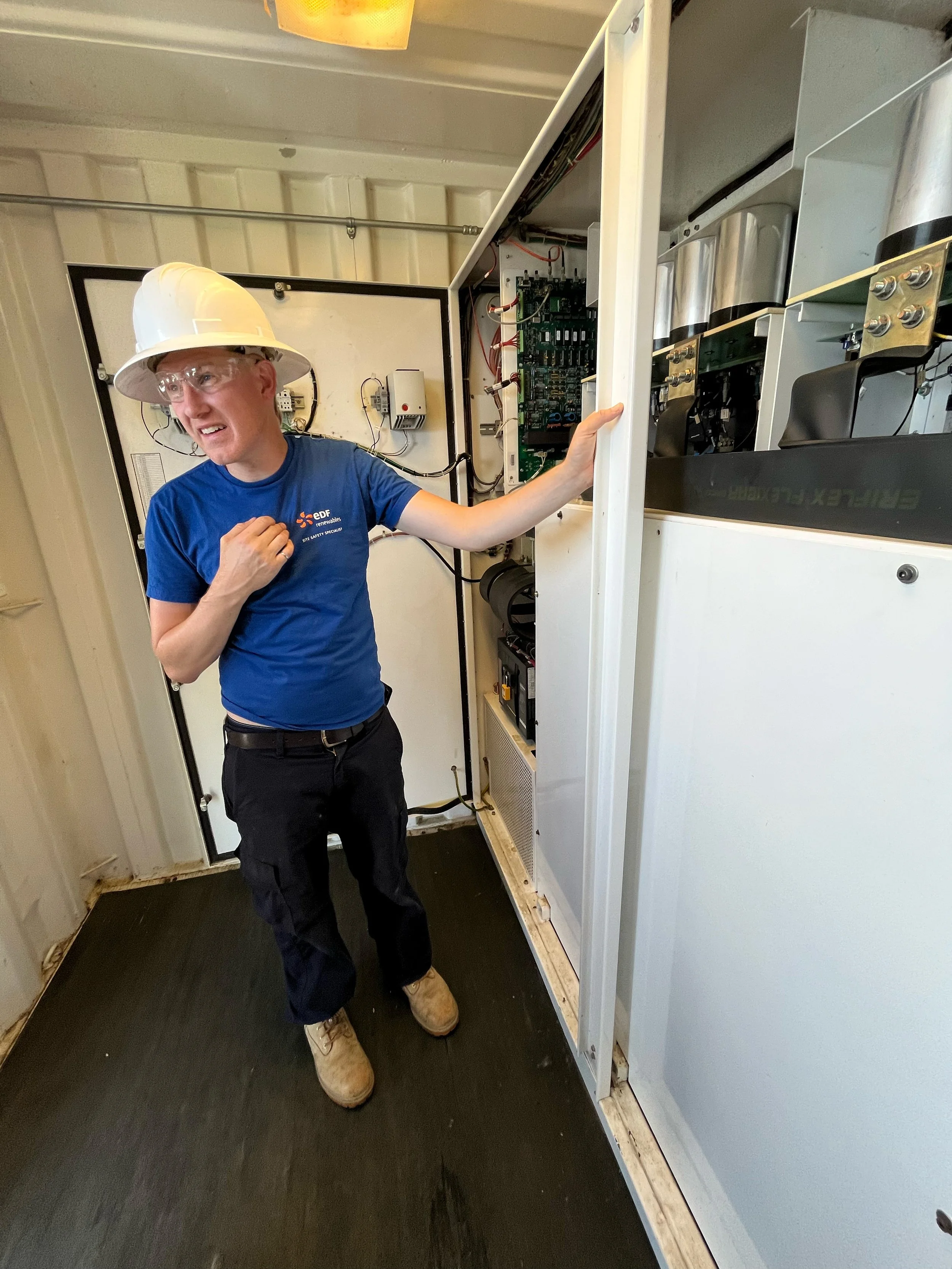
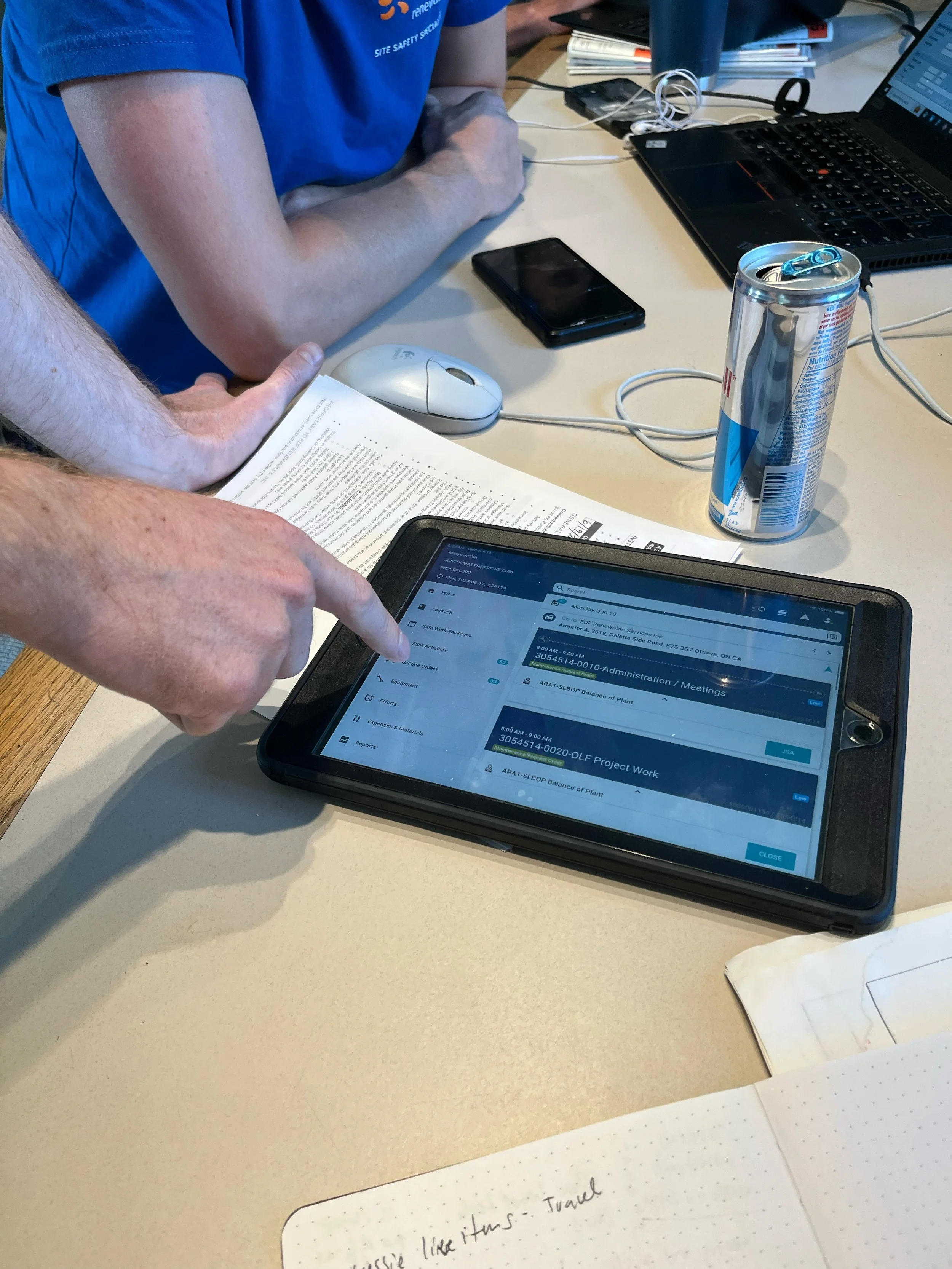
Site Visit at Sain Robert in Quebec
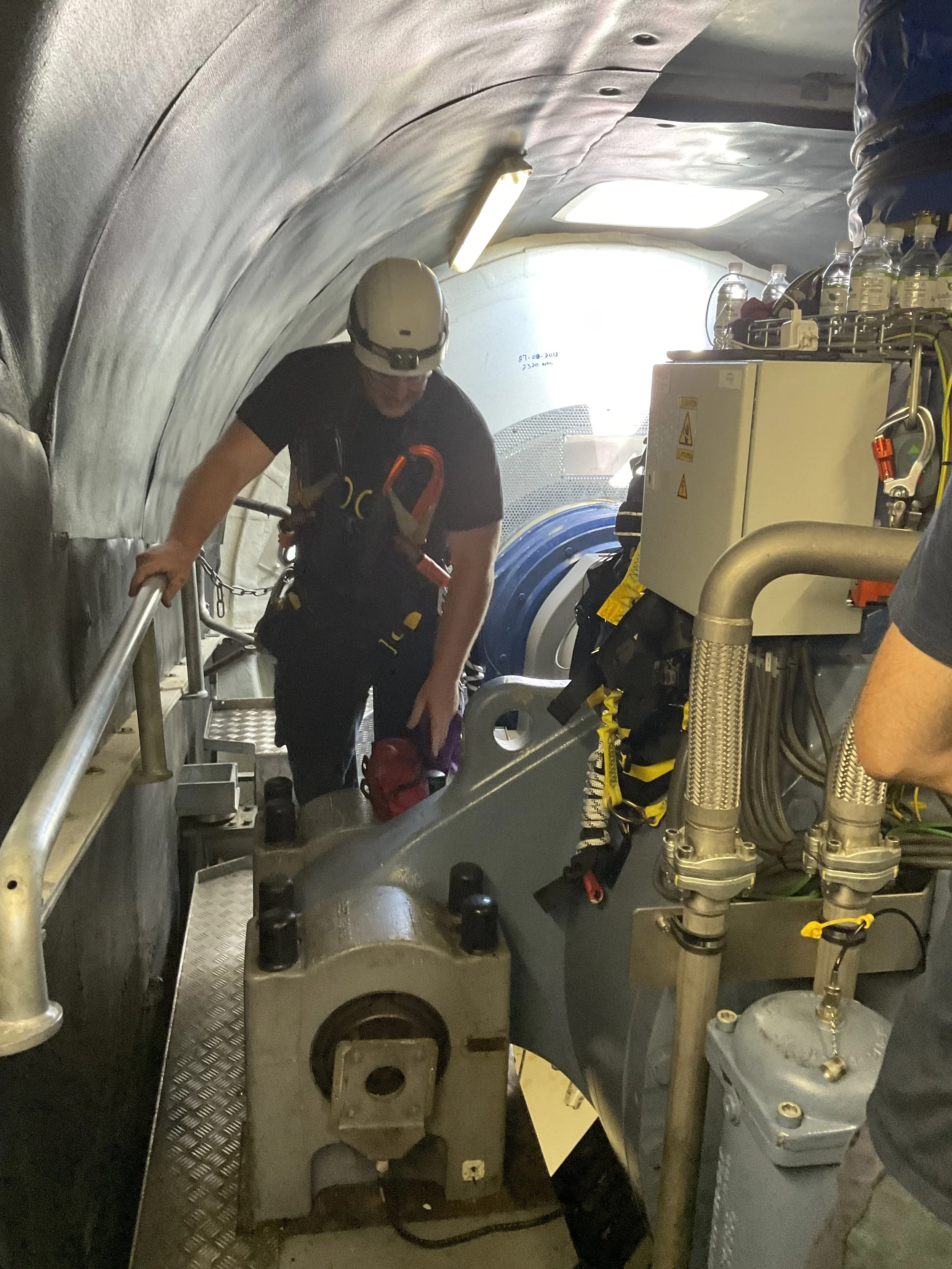
Wind turbine technicians preferred the mobile version of the app due to the constrained physical workspace within turbines. Their tasks were primarily compliance-driven, involving structured checklists rather than extensive data entry.
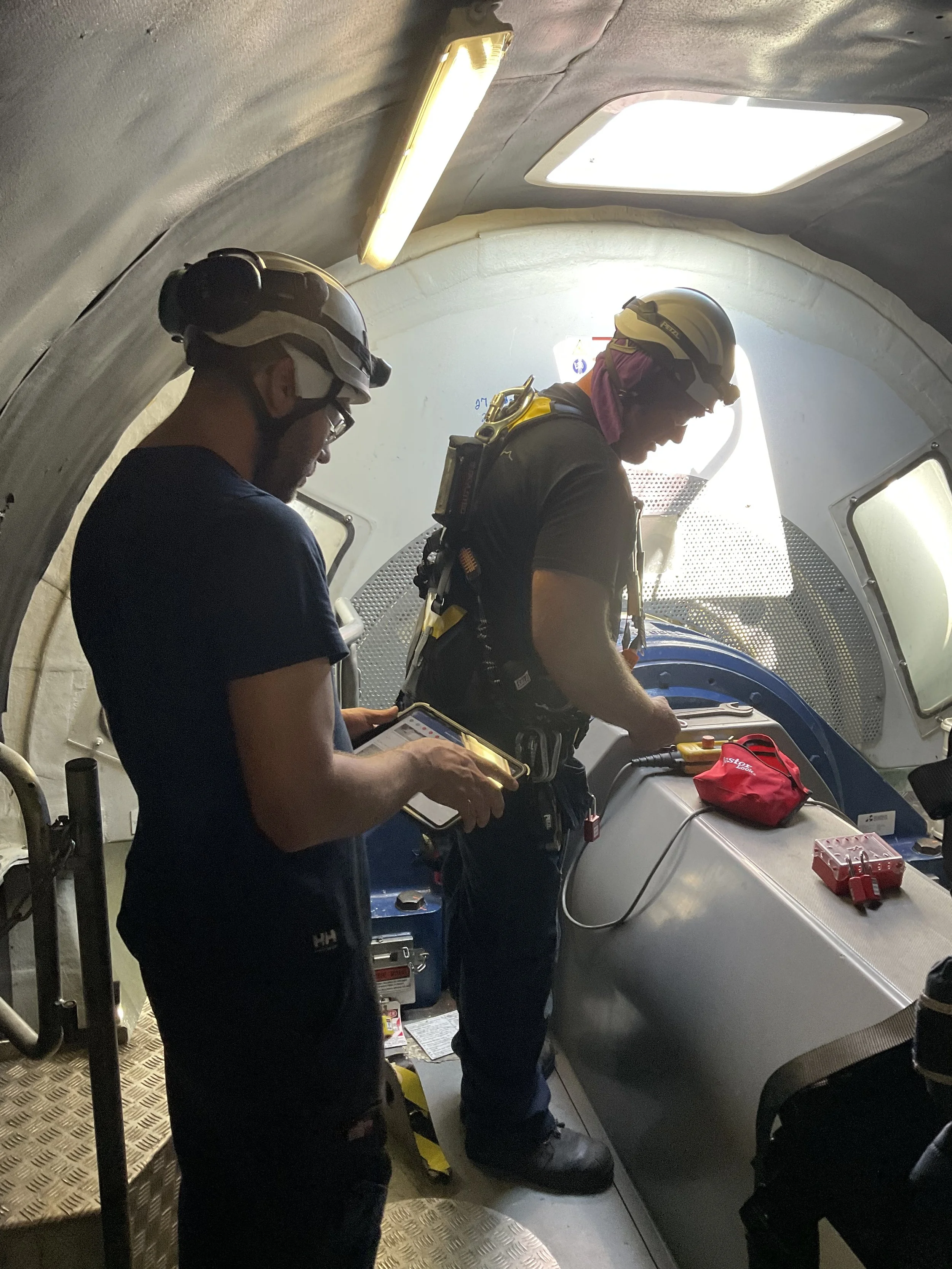
Key Findings
User Interface and Accessibility Improvements
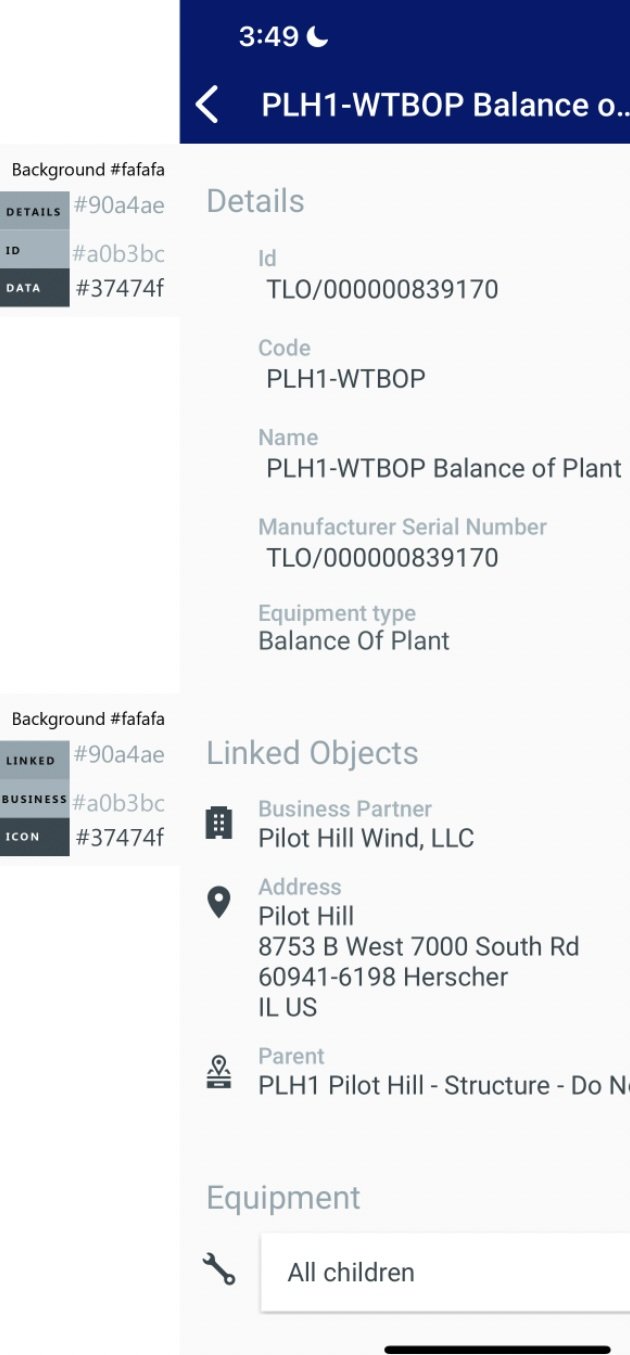
The color palette was found to be inaccessible and difficult to read in bright solar conditions, prompting the need for screens highlighting color changes to improve visibility and usability.
Technicians preferred mobile devices, but these need to be more durable to withstand the extreme physical conditions of their work environments.
Device and Resource Optimization
Based on user feedback, we accurately ordered the right number of devices for technicians, ensuring they had the proper tools to perform their tasks efficiently.
Enhanced Communication and Collaboration
Workers gained a stronger connection with the design team, empowering them to communicate their needs and insights better, leading to more effective collaboration.
Operational Efficiency Gains
The FSM system requires better navigation and improvements to task management, including automating effort time entry and simplifying service order titles for smoother workflows.
FSM and SAP integration should be refined to minimize administrative overhead and reduce workflow disruptions.
Safety and Documentation Enhancements
There's a need for improved strategies to address safety risks related to environmental hazards.
Documentation access (e.g., repair and thermal records) should be streamlined for quicker reference.
Parts inventory management should default to appropriate locations based on service orders to reduce errors and improve efficiency.
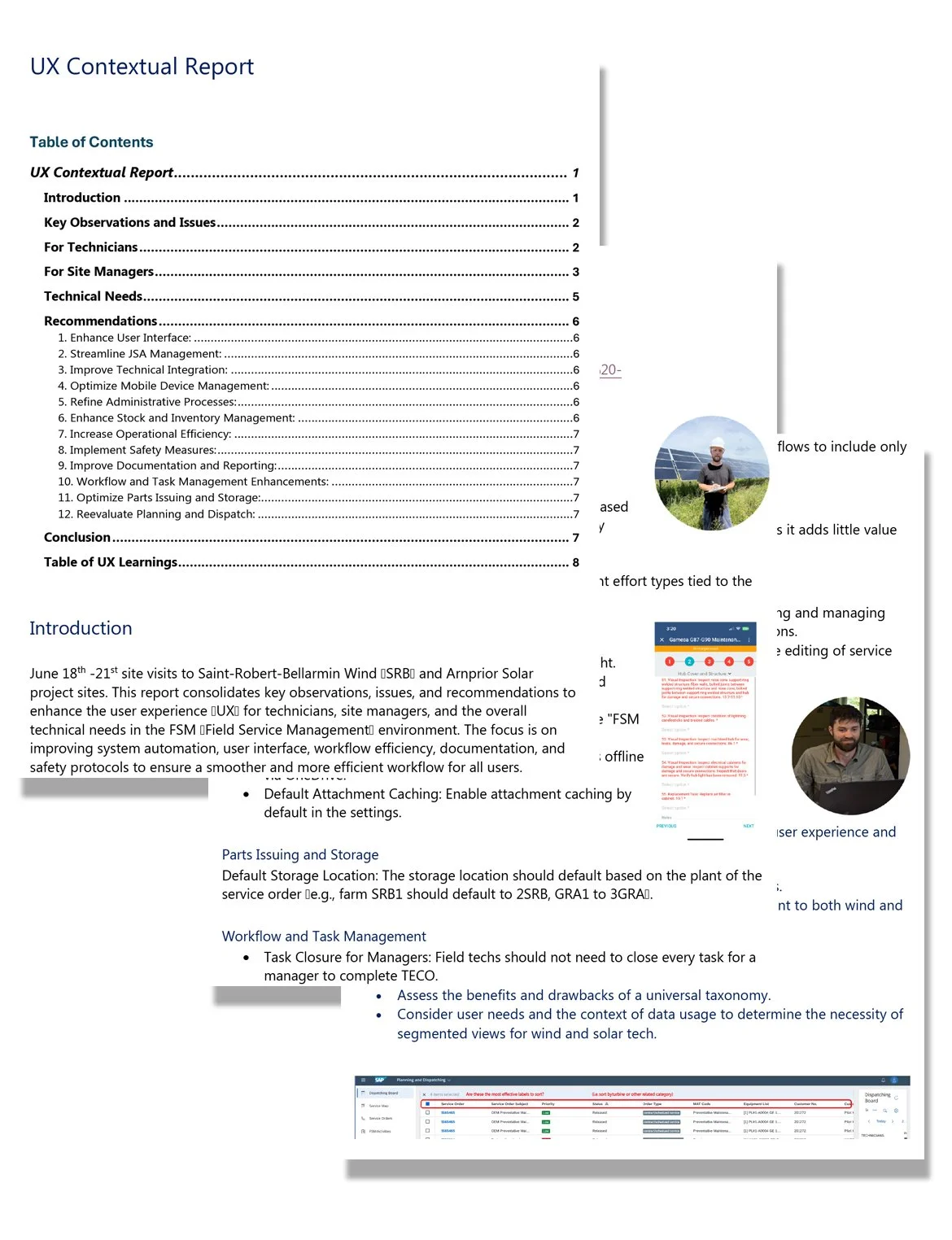
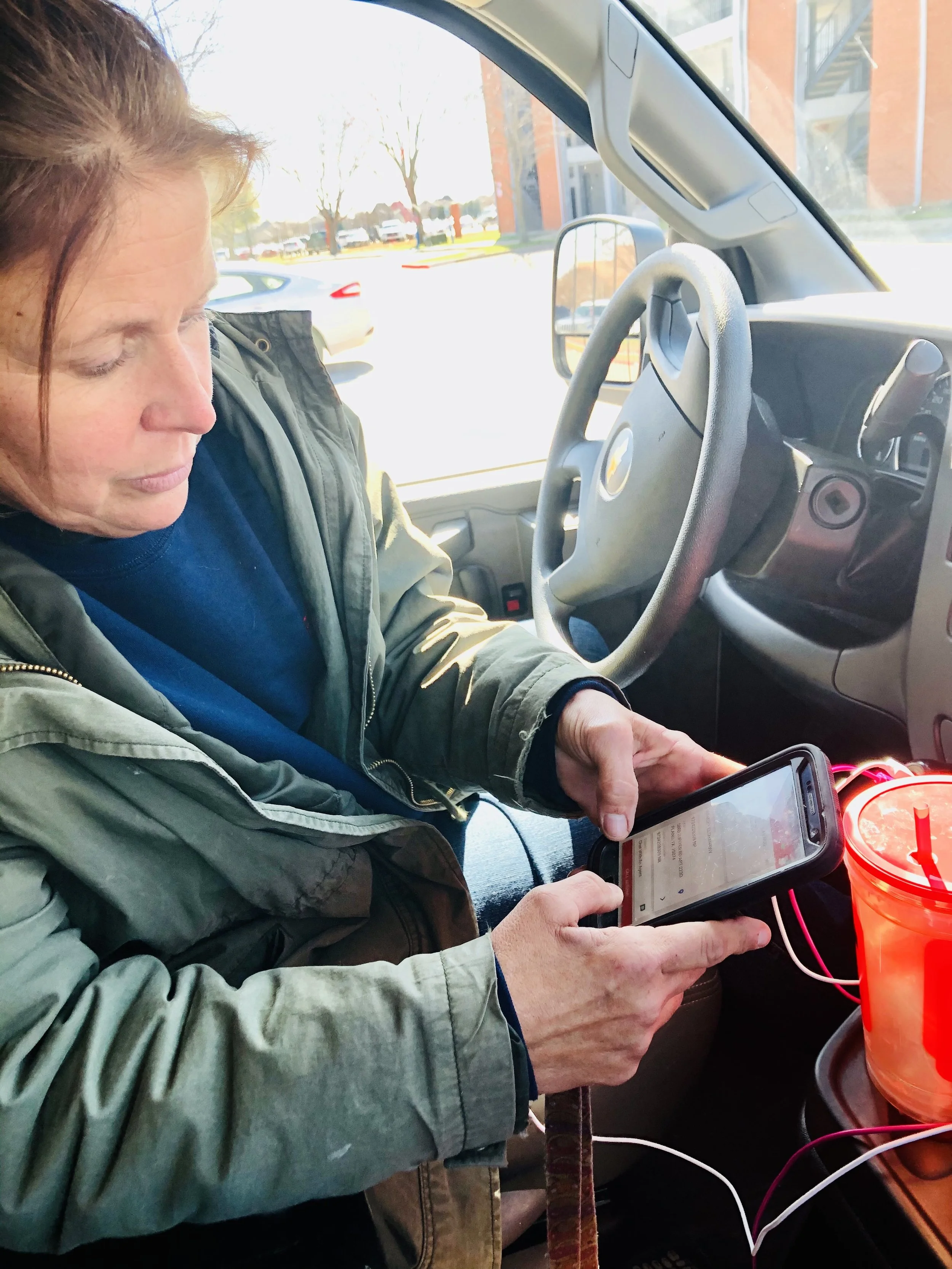
Onsite research with a mobile technician.
“How do I explain what I do at a party? The short version is that I say I humanize technology.”
— Fred Beecher, Director of UX, The Nerder